sideTXT - Chrome Extension
sideTXT - Chrome Extension
“When it comes to task management, plain text is simply the best.”
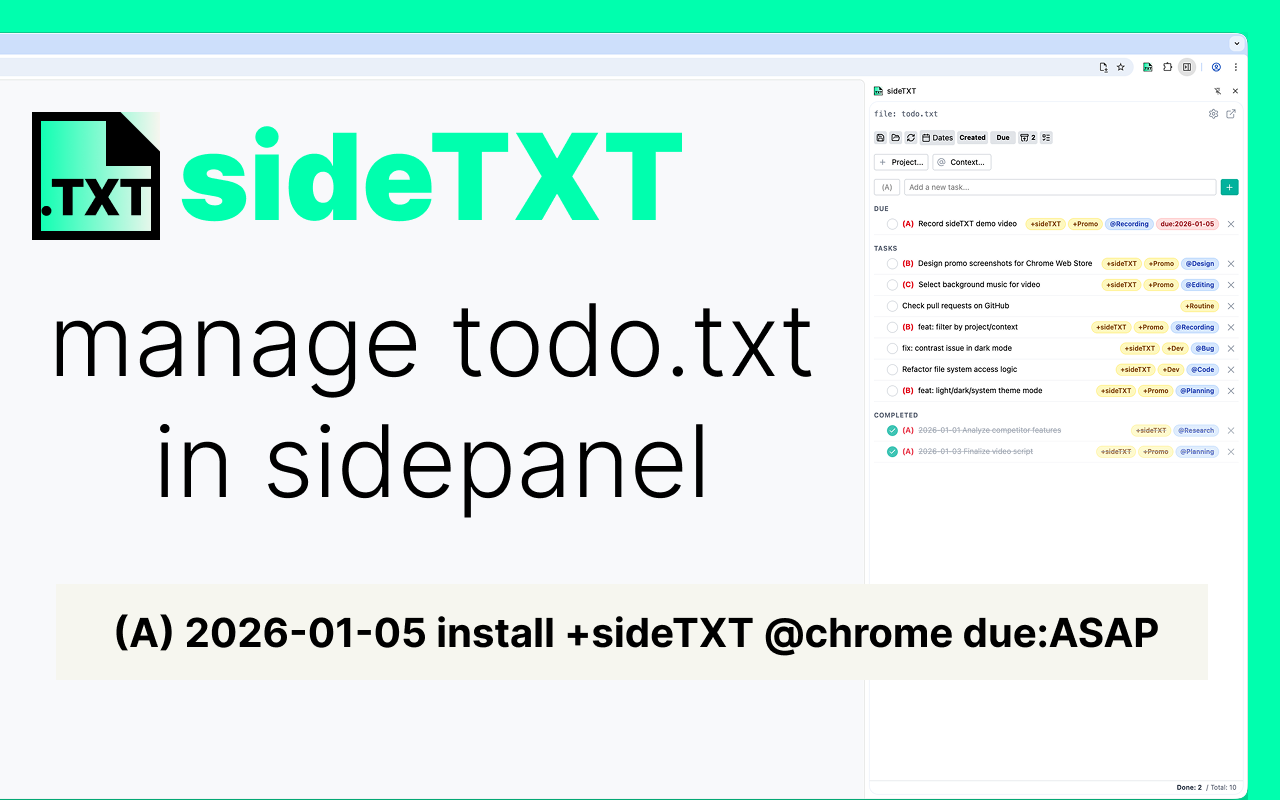
sideTXT is a Chrome extension that allows you to view and edit “todo.txt” files—the world-renowned task management method—directly within your browser’s side panel.
Check, add, and complete tasks without ever interrupting your browsing flow. No complex setup or proprietary databases required. Your familiar text files are instantly transformed into a high-performance task list right where you work.
🚀 Key Features
-
Full Side Panel Support: Keep your task list visible right next to your web content. Eliminate the stress of constant window switching.
-
Todo.txt Format Compliance: Automatically recognizes and color-codes priorities (A), projects (+), contexts (@), and completion dates for better visibility.
-
Simple & Flexible Editing: Quickly edit individual tasks or switch to “Editor Mode” to modify the entire file freely.
-
Lightweight & Fast: A minimalist design that focuses on speed, ensuring it never slows down your browsing experience.
-
Privacy-Focused: Your data stays with you. sideTXT works locally and doesn’t require a cloud account.
🛠 Who is this for?
-
Dedicated todo.txt enthusiasts.
-
Users who want their tasks visible at all times while working in the browser.
-
Privacy-conscious users who prefer managing their own files rather than relying on third-party cloud databases.
-
Anyone tired of “over-featured” tools like Notion or Trello and looking for a minimalist workflow.
📖 What is todo.txt?
todo.txt is a simple set of rules for managing tasks using a single plain text file. It is celebrated for its extreme portability across any OS or editor.
Reference: todo.txt format (github/todotxt) “The todo.txt format is a simple set of rules that make todo.txt both human and machine-readable.”
← Back to projects