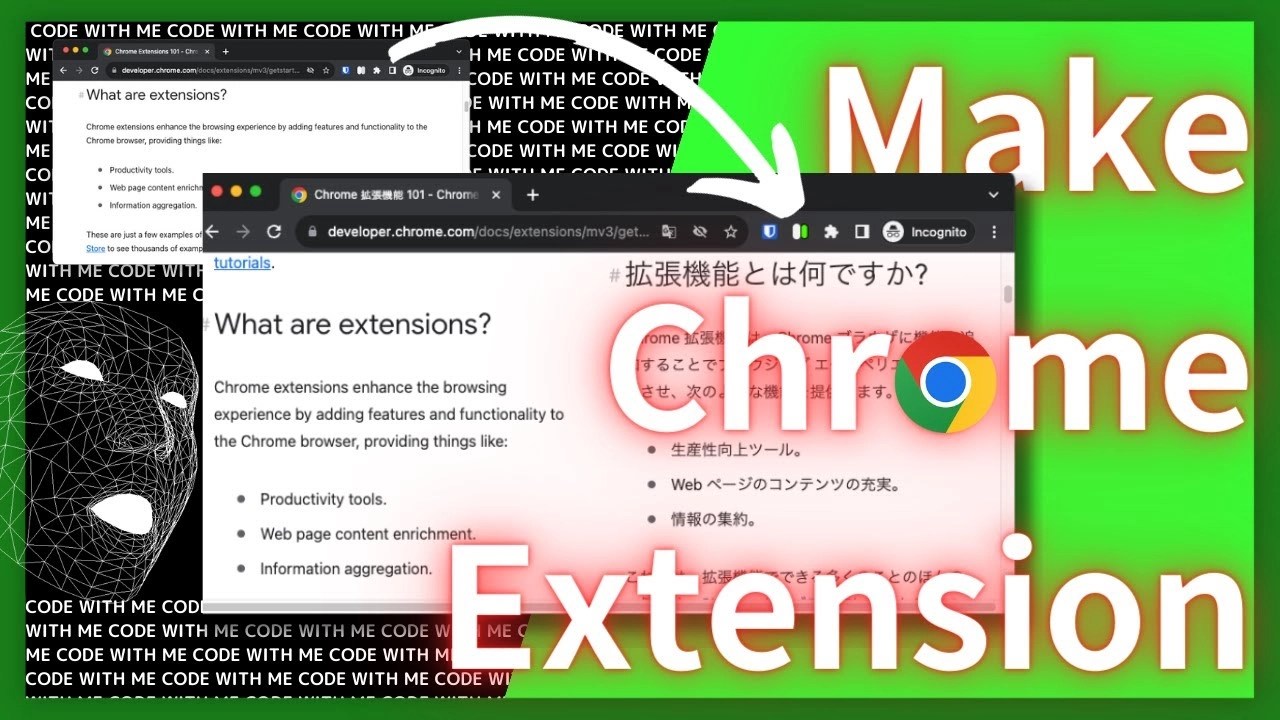
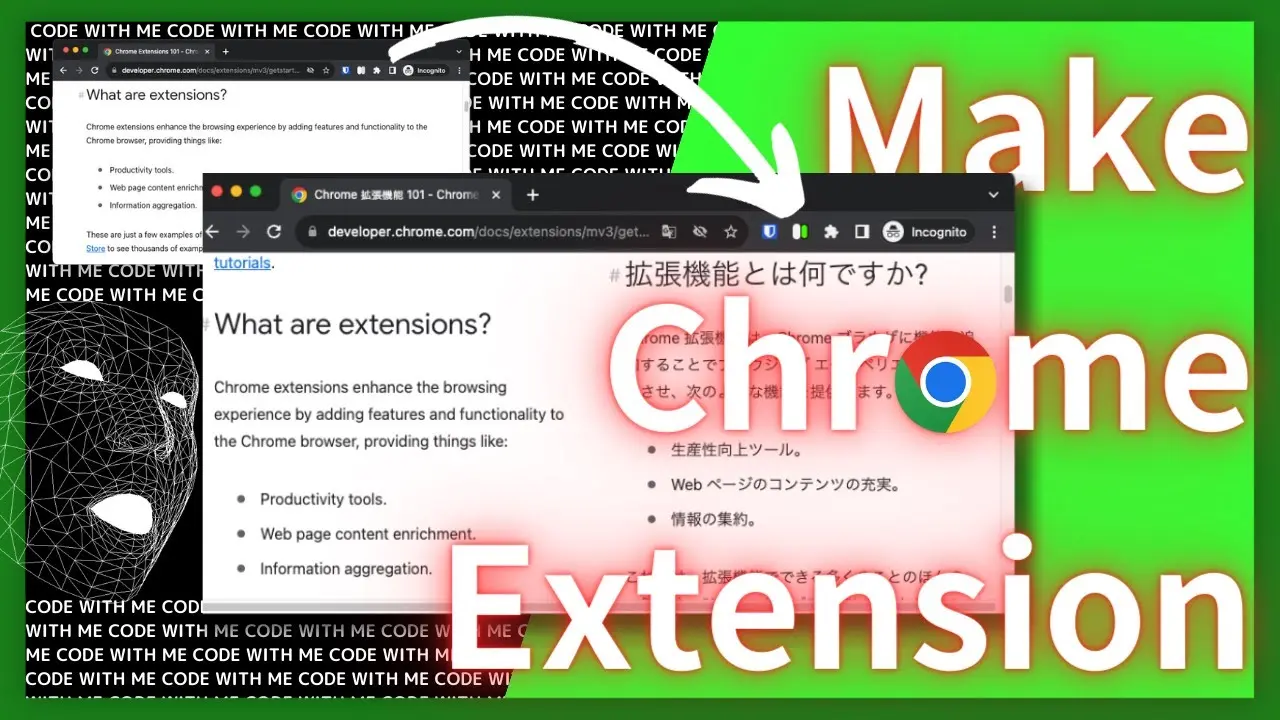
Side by side translation in Chrome tab
Summary in 3 lines
- This is the introduction to the Chrome extension I made for myself.
- You can easily see the original and translated text in the same tab.
- Please install and use it.
Demo and Install URL
Install from HERE

side-by-side translation - Chrome Web Store
This extension creates an additional window for translation. Check source text and translated page side by side.
↓ Demo movie
Why needs
Recently, I have come across more and more documents in English, both at work and in my hobby of personal development.
One of the challenges I faced was that I couldn’t read the documents as fast as I would like if they were still in English.
So, I would Google-translate the entire page and check it in mother tongue. However, the translated text was often slightly wrong, and I often wanted to check the original text at the end. I had to go back and forth between the translation and the original many times, and it was bothersome.
So I decided to create my own Chrome extension.
Design
Overview
Roughly arranging the sequence of events
Some operation -> Displaying two screens within a tab -> Translation
It will look like this.
How to realize
Chrome extensions can be implemented by using JS. It is also recommended for beginners who are not very familiar with frameworks.
Process flow
Although it may take some time, I recommend that you briefly write out the process flow before starting the implementation. I often use a mermaid.js.

Mermaid
Create diagrams and visualizations using text and code.
There are some merits in this:
- Less rework during implementation
- You can check it frequently while implementing it
- Memories come back quickly when you look back on them later
If the size is larger than a certain level, I try to make it as much as possible.
Implementation
I proceed with the implementation while looking at the official documentation of the Chrome extension.
Chrome Extensions | Chrome for Developers
Learn how to develop Chrome extensions.
Actual Code
Using Chrome extention template
GitHub - mubaidr/vite-vue3-browser-extension-v3: Another vite powered web extension (chrome, firefox, etc.) starter template.
Another vite powered web extension (chrome, firefox, etc.) starter template. - mubaidr/vite-vue3-browser-extension-v3
I built an environment using this repository as a template.
There is no strong reason why chose the Vue-based template. I’m just used to it.
If you use another template, check the hot reload is enabled. It’s so convenient that I can’t let it go.
How to split page in tab
I haven’t found a good way or library to split pages with tabs.
In the end, we copied all the elements on the screen and created a two-pane display using CSS Grid, with the original on the left and the translation on the right.
#side_by_side_container { display: grid; grid-auto-columns: 49.5%; grid-auto-flow: column; column-gap: 1%;}Then, by applying the above CSS to this container, a 1:1 split will be achieved.
Ultimately, we achieved this in the following way.
function split() {  // wrap src document  $("body")    .children()    .wrapAll("<div id='side_by_side_src' class='pane' translate='no'></div>");  $("body").append(    "<div id='side_by_side_dst'  class='pane' translate='yes'></div>"  );
  $("#side_by_side_src").children().clone().appendTo("#side_by_side_dst");  $("body").children().wrapAll("<div id='side_by_side_container'></div>");}
If you turn on the extension, use this split() function to process the page.
If turn off, do the opposite.
About cooperation with Google Translator
Now that I have created two panes within the tab, the next step is to translate them.
To realize, I used something called the translate attribute.
To be honest, learning about the existence of this attribute was what made me want to create this extension.
HTML translate global attribute - HTML | MDN
The translate global attribute is an enumerated attribute that is used to specify whether an element's translatable attribute values and its Text node children should be translated when the page is localized, or whether to leave them unchanged.
<div translate="no"></div> // prevent to translate<div translate="yes"></div> // permit to translateBy using this attribute, the original text will not be translated when the entire page is translated, Only the elements intended for translation will be translated.
What I got stuck
State management error
At first, I was thinking of managing the ON/OFF status of extensions for each tab. As I progressed, the behavior when updating and transitioning tabs became unreasonable, so I redid it once.
I realized the law of KISS = Keep It Simple, Stupid..
By getting whether the tab is split with isSplit(),
I no longer manage the status for each tab, and the implementation is so simple and easy to understand.
Support i18n
We have made it multilingual (i18n) for people all over the world. For implementation details, official is very well summarized.
chrome.i18n | API | Chrome for Developers
What I threw away
Technically
- Depending on the site, the display may be distorted. Switching ON/OFF is also fast, so in that case, please turn it OFF and reload!
- Control Chrome’s full text translation function from JS (I wanted to, but it seems like I can’t do it)
- The vertical position of the original and translated text is misaligned
- This is noticeable for longer sites.
- Especially some languages tend to be long.
In the design part
- What to do about screen transition after splitting
Release
I haven’t spent a lot of time on this part. I created an icon so that you can see at a glance whether the extension is ON or OFF.
- Extension icon creation
- Store registration
- Requires Google developer registration
- Create screenshots & demo videos for the store
- This is the first time I’ve added a demo video. It’s good because you can see how it works at a glance.
Footnotes
← Back to blog