'sideTXT' Released: The Simple todo.txt Manager for Chrome Side Panel
About ‘sideTXT’: Chrome Extension for todo.txt
I’ve officially released sideTXT v0.0.3.

sideTXT - Chrome Web Store
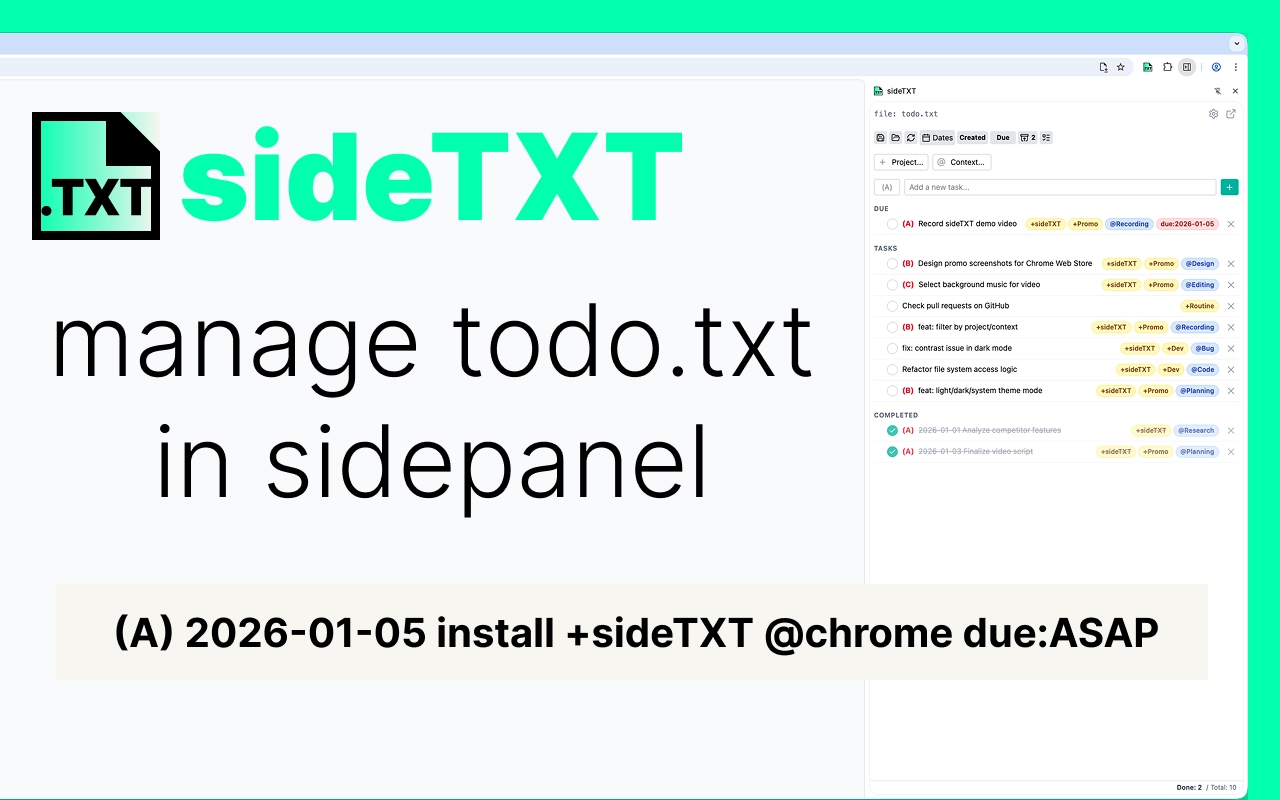
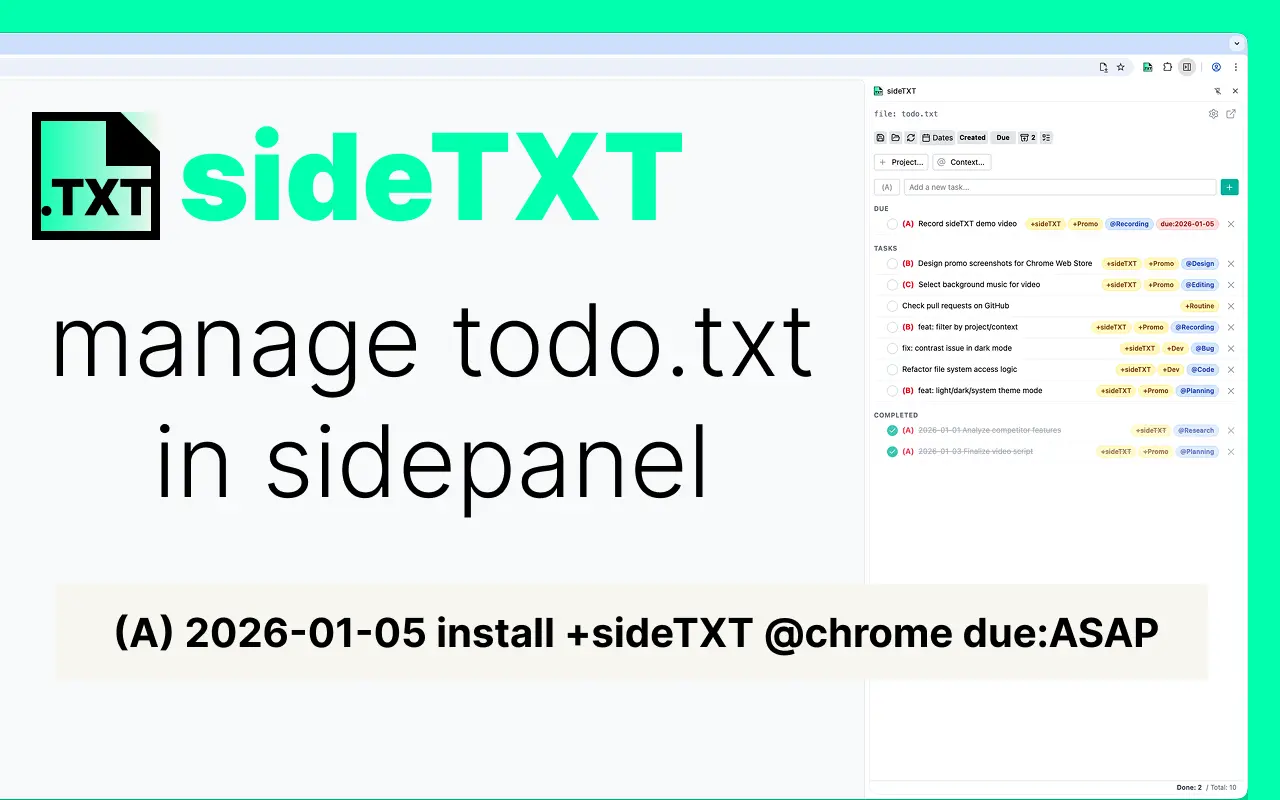
Smartly manage your todo.txt in the Chrome side panel. A simple, lightweight, and powerful text-based task manager for your browser.
sideTXT is a simple TODO tool that brings todo.txt management to your Chrome side panel.
The format follows the todo.txt specification.
By managing tasks in a simple .txt file, you can edit it anywhere. It’s also Git-friendly, meaning even if you delete a task, you can easily look back at your history using git log.
Key Features: Why Choose sideTXT?
- Quick access while browsing (the advantage of the Side Panel)
- Fast task operations using a text-based interface
- Filtering and sorting functions (by date, priority, and completion status)
Installation and Usage
- Install it from the sideTXT - Chrome Web Store.
- Simply drag and drop your TODO file into the side panel to automatically load it.
Background: Seeking the Ideal Task Management
Looking back, my TODO management journey has evolved like this:
- Todoist: My first encounter with a TODO tool. Integrating with IFTTT to save “read later” articles was very convenient.
- Wunderlist: Acquired by Microsoft and eventually shut down, forcing me to move.
- Google Tasks: It’s a bit basic, but useful for adding quick notes from my smartphone.
- Notion: It was too feature-rich for me… I found it difficult to sync data efficiently, so I stopped.
- Planner: I used it within Microsoft Teams. However, when my work PC had low specs, it felt sluggish, so I moved on.
- Markdown Task Lists: I started editing and managing tasks directly in text editors.
- Physical Paper: The ultimate analog tool. I write down what needs to be done today and shred it once finished.
I’ve tried many services and methods over the years. Until recently, I settled on a combination of physical paper (for daily tasks) and Markdown (for mid-to-long-term management).
While Markdown is simple and great, it lacks “utility as a management tool,” such as easy filtering and sorting, which was a bit of a pain point.
Then, I discovered the Todo.txt specification. It’s simple, portable, and operates entirely on local files. This means it’s Git-manageable and has zero dependency on external services.
Moreover, I had a specific need: “I want to quickly jot down TODOs in a side panel while sharing materials during a meeting.” This led to the development of “sideTXT” as a Chrome Side Panel extension that can be called up anytime without closing your browser.
Tech Stack
For this project, I used WXT, a Web Extension Framework.
It was incredibly easy to use and completely changed my developer experience for Chrome extensions. I highly recommend it to anyone considering extension development.
Features like hot reloading and the ability to launch a clean browser instance with only your extension under development installed make the process extremely efficient.
Specifically, when developing, you activate the extension by loading local files, which could unintentionally conflict with other extensions in your everyday browser. Before WXT, I had to manually set up development profiles, but WXT handles all that automatically, making the work much easier.
Future Plans
- Implementing task addition via keyboard shortcuts
- UI improvements
Conclusion
The name “sideTXT” came from the combination of “side panel” and “todo.txt”.
I thought it was quite straightforward, but after the release, I found out it’s also a slang term for “interjecting or side-talking on the internet” 1. Well, live and learn!
Footnotes
← Back to blog